• The digital life raft I didn’t know I needed

    Look, I’m not going to pretend I have it all figured out. Not even close. Two months ago, my apartment keys were in the freezer (again), I’d missed three dental appointments in a row, and my boss was giving me that look—you know the one—when I showed up to our morning meeting completely unprepared. For the third time.

    I was drowning in sticky notes. My phone was a graveyard of abandoned reminder apps. My wall calendar hadn’t been flipped since March… and it was September.

    My friend Jas kept talking about this thing called Notion. “It saved my life,” she’d say, which seemed dramatic until I finally gave in and tried it. Turns out? She wasn’t exaggerating.

    Here’s the thing about ADHD brains like mine—we don’t need another perfectly organized system that we’ll abandon in three days. We need something that actually speaks our language. Something that can be as weird and wonderful and non-linear as we are.

    Why My Brain and Regular Planners Don’t Get Along

    I used to think I was just bad at being organized. That I wasn’t trying hard enough. But traditional planners are basically designed to torture people like us. All those identical little boxes, the blank lines waiting to judge you when you inevitably forget to fill them out for weeks…

    My ADHD brain craves structure but rebels against anything too rigid or boring. It’s like my neurons are perpetually sixteen years old—desperately needing boundaries while simultaneously flipping off anyone who tries to impose them.

    Notion turned out to be different. Not because it’s magically “better” than other tools, but because it let me build something that actually matches how my particular brain works.

    How I Built My Dashboard (Without Having a Meltdown)

    First—and this is important—I didn’t try to create the perfect dashboard right away. That’s the kind of thinking that has me abandoning projects before they start. Instead, I just played around for a while. Made a mess. Let myself explore.

    But eventually, I settled on a few things that have actually stuck:

    A Homepage That Speaks My Language

    Right at the top of my dashboard is a section called “DO THIS FIRST OR YOU’LL FORGET.” Not professional, maybe, but it works. Under that are three simple buttons:

    • “Morning routine”
    • “What’s happening today”
    • “Brain dump”

    Nothing clever or complicated. Just the absolute basics that keep me functioning as a human person in society.

    Color-Coding That Actually Makes Sense to Me

    I tried using “proper” color-coding systems before—you know, red for urgent, blue for work tasks, etc. But my brain doesn’t naturally categorize that way. So instead, I use:

    • Purple for anything that gives me anxiety (bills, difficult conversations, deadlines)
    • Yellow for things that need energy but are actually fun
    • Green for mindless tasks I can do while half-watching Netflix
    • Blue for stuff involving other people

    It’s not logical, but it matches my emotional relationship with tasks, which turns out to be way more useful for my ADHD brain.

    The Daily Template That Saved My Job

    My most valuable creation is embarrassingly simple: a daily template with these sections:

    • “Only three things” (the most important tasks—more than that and I get overwhelmed)
    • “Probably forgetting” (recurring weekly tasks that I always forget exist)
    • “Time blocks” (because I have no natural sense of time passing)
    • “Did something go wrong?” (a decision tree for when I’ve messed up)

    That last one has legitimately saved my hide multiple times. It walks me through what to do when I’ve forgotten a deadline or missed a meeting—because inevitably, at some point, I will.

    The Weird Little Extras That Make All the Difference

    The most helpful parts of my dashboard aren’t the productivity guru-approved sections. They’re the strange little solutions for my specific ADHD quirks:

    • A “Lost Objects” tracker where I record where I last saw my keys, wallet, and phone
    • A “Conversation Archives” where I jot down what I discussed with people (because I’ll swear we never had a conversation that definitely happened)
    • A “Dopamine Button” that shows me a random photo of my cat when clicked (for when I need motivation)
    • Time timers EVERYWHERE because my time blindness is no joke

    None of this is sophisticated. It’s just what works for my particular flavor of brain chaos.

    When It All Falls Apart (Because Sometimes It Will)

    Here’s the real talk: Sometimes I still forget to check my dashboard. Sometimes I get overwhelmed and ignore it for days. Sometimes I spend three hours reorganizing it instead of doing the actual tasks inside it.

    Because ADHD doesn’t disappear just because you found a good tool.

    But—and this is key—I’ve set up “emergency protocols” for those times:

    • A weekly dashboard reset reminder
    • A simplified “low executive function” view for bad brain days
    • Permission to abandon ship temporarily without feeling like a failure

    The system works because it acknowledges that sometimes it won’t work. And that’s okay.

    The Tool That Leveled-Up My Dashboard Game

    This section is sponsored by Thomas Frank’s Ultimate Brain

    So here’s where I have to come clean—after struggling to build my dashboard from scratch, I stumbled across Thomas Frank’s Ultimate Brain. It’s basically Notion templates specifically designed for brains like mine, and it was… well, kind of a game-changer.

    I was skeptical at first (I’ve bought SO many planners and apps that promised to fix me), but this one’s different. It’s like Frank somehow got inside my chaotic ADHD thought processes and built a system around them. The templates already had most of the weird little extras I’d been trying to create myself—but better.

    The weekly review feature gently nudges me back on track when I inevitably drift away from my system. And the task cards with visual progress indicators give my dopamine-hungry brain the little hits of satisfaction it needs to keep going.

    I still customize everything (because of course I do), but starting with templates designed specifically for ADHD has saved me countless hours of trial and error. If you’re feeling overwhelmed by starting from scratch, it might be worth checking out.

    Small Steps That Feel Like Giant Leaps

    I’m still me. I still sometimes find my glasses in the refrigerator. I still occasionally hyperfocus on organizing my digital bookshelf for six hours while ignoring the presentation due tomorrow.

    But I haven’t missed a meeting in weeks. My bills are getting paid on time. And yesterday, I actually remembered to bring both my lunch AND my laptop to work—a minor miracle.

    For an ADHD brain like mine, that’s not just progress—it’s a revolution. Not because Notion is magic, but because for the first time, I’ve built something that works with my brain instead of against it.

    If your sticky notes are reproducing like rabbits and your phone reminder app is just a graveyard of good intentions, maybe it’s time to try something different. Not perfect. Just different.

    Your dashboard won’t look like mine. It shouldn’t. Your brain is its own special flavor of chaos, and your system should reflect that. But somewhere in the flexibility of tools like Notion might be exactly what your particular brain has been waiting for.

    Mine certainly was.
  • When My Brain and I Don’t Speak the Same Language: Visual Systems That Help My ADHD Mind
    You know when your thoughts feel like they’re scattering in a hundred different directions at once?

    That’s pretty much my daily reality with ADHD.

    I was trying to explain this to my friend over coffee last week. How sometimes my brain feels like it’s speaking an entirely different language than the rest of me. She nodded politely, but I could tell she didn’t quite get it. I mean, how do you explain what it’s like when your own thoughts won’t stay put long enough to catch them?

    That’s when I pulled out my phone and showed her my color-coded calendar. “This,” I said, “is the translator between my brain and the world.”

    The Messy Reality Behind My Screen

    Living with ADHD means I’ve tried just about every organizational system out there. Most of them failed spectacularly within days (sometimes hours) of starting them. It wasn’t until I leaned into visual systems—ones that actually work with how my brain processes information instead of fighting against it—that things began to click.

    I used to think I was just disorganized. Lazy, even. But turns out my brain just needs to see things differently. Text-heavy planners? Useless to me. But give me colors, shapes, and visual cues? Now we’re talking.

    Seven Things That Actually Work For Me

    After years of trial and error (mostly error, if I’m being honest), I’ve found seven approaches that help translate my scattered thoughts into something I can actually work with:

    1. Color-Coding (My Lifeline)

    I color-code literally everything. Red for urgent stuff that needs immediate attention. Blue for work projects. Green for personal goals. Yellow for things related to my kids.

    It sounds simple, but seeing those colors instantly triggers my brain to switch contexts. On overwhelmed days, I can just look for the red items and ignore everything else without feeling guilty.

    2. Labels That Actually Make Sense

    I used to try labeling things the way I thought I “should”—by date or alphabetically or whatever system normal people use. Then I realized I could just… label things the way my brain naturally categorizes them?

    So now I have folders labeled things like “Stuff I’ll probably need when I’m panicking about taxes” and “Ideas that seemed brilliant at 3am.” It works because it matches how I actually think.

    3. Visual Schedules That Don’t Make Me Want to Cry

    Traditional planners make me want to throw them out the window. All those lines and tiny spaces… no thanks.

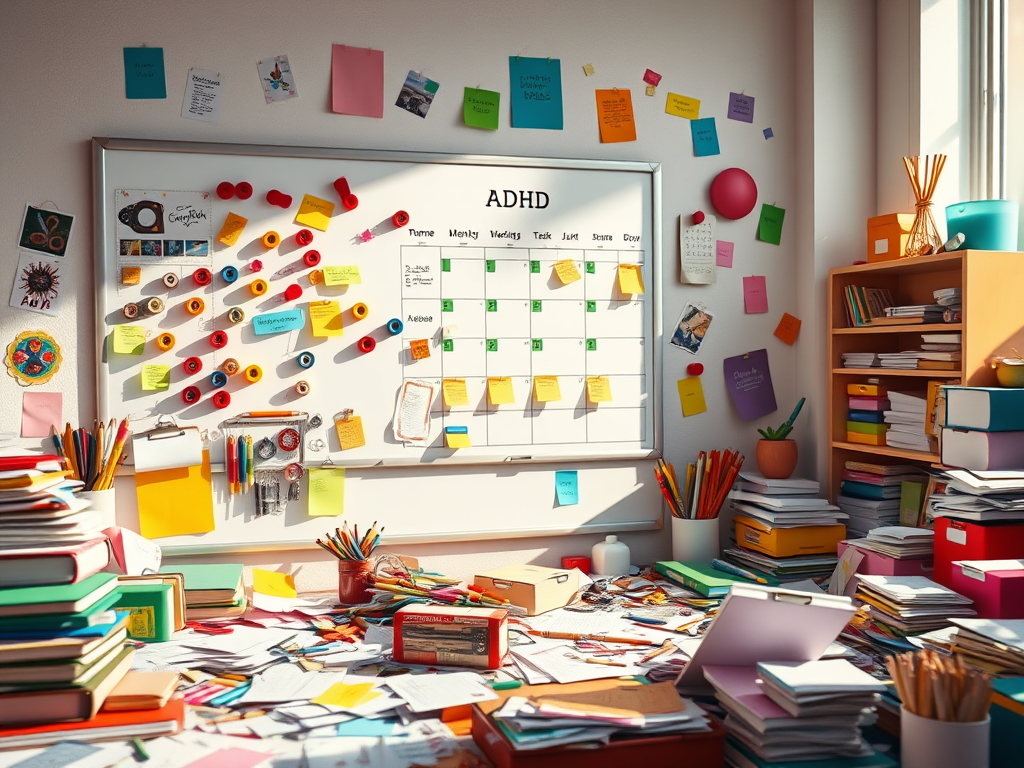
    Instead, I use a giant whiteboard with colorful magnets that I can physically move around. There’s something about that tactile experience that helps ideas stick in my brain better. When plans change (which they always do), I just move the magnets around rather than feeling bad about “messing up” my perfect planner.

    4. Workspace Zones That Keep Me On Track

    I’ve learned that I need different spaces for different types of thinking. My desk has an actual taped-off section for focused work, another area for creative stuff, and a third spot that’s just for organizing papers.

    Switching physical locations, even by just a few feet, helps my brain understand we’re shifting gears. It’s weird but it works.

    5. Digital Tools That Don’t Overwhelm Me

    After trying about fifty different productivity apps, I’ve settled on just a couple that work with my visual brain:

    Trello has become my external brain. Those movable cards just make sense to me—I can literally see my tasks moving from “thinking about it” to “actually doing it” to “done!”

    Google Calendar with different colored blocks helps me visualize time in a way that makes sense. Time blindness is real, folks.

    6. Home Systems That Don’t Fall Apart

    The wall near my front door has a series of labeled hooks and bins, each with a simple icon. Keys, wallet, mask, dog leash—everything has a visual home.

    It took my family a while to adapt, but now even my kids know where things belong because they can see the system, not just remember it.

    7. Progress Tracking That Feels Good

    I tried those habit tracker apps where you get virtual rewards for completing tasks. They never stuck. What works better for me is a physical jar of colorful stones. Each stone represents a completed task.

    There’s something deeply satisfying about physically dropping a stone in the jar after finishing something. By Friday, I can literally see my productivity for the week. On good weeks, the jar is full. On harder weeks, there are fewer stones—and that’s okay too.

    What I’ve Learned Along the Way

    Some days, these systems work beautifully. Other days, they fall apart completely. And that’s fine.

    The biggest shift wasn’t finding the “perfect” system—it was giving myself permission to create systems that work for my brain rather than forcing myself to fit into organizational methods that were never designed for minds like mine.

    My desk might look chaotic to others, with its rainbow of sticky notes and seemingly random arrangement of objects. But to me, it’s a carefully crafted visual language that helps translate my thoughts into actions.

    And isn’t that what organization is really about? Not perfection, but translation.

  • ADHD Productivity Tools That Actually Help Me Get Through the Day

    When My Brain and I Don’t Speak the Same Language

    You know those days when your brain feels like it’s swimming through fog? Yeah, me too. A lot actually.

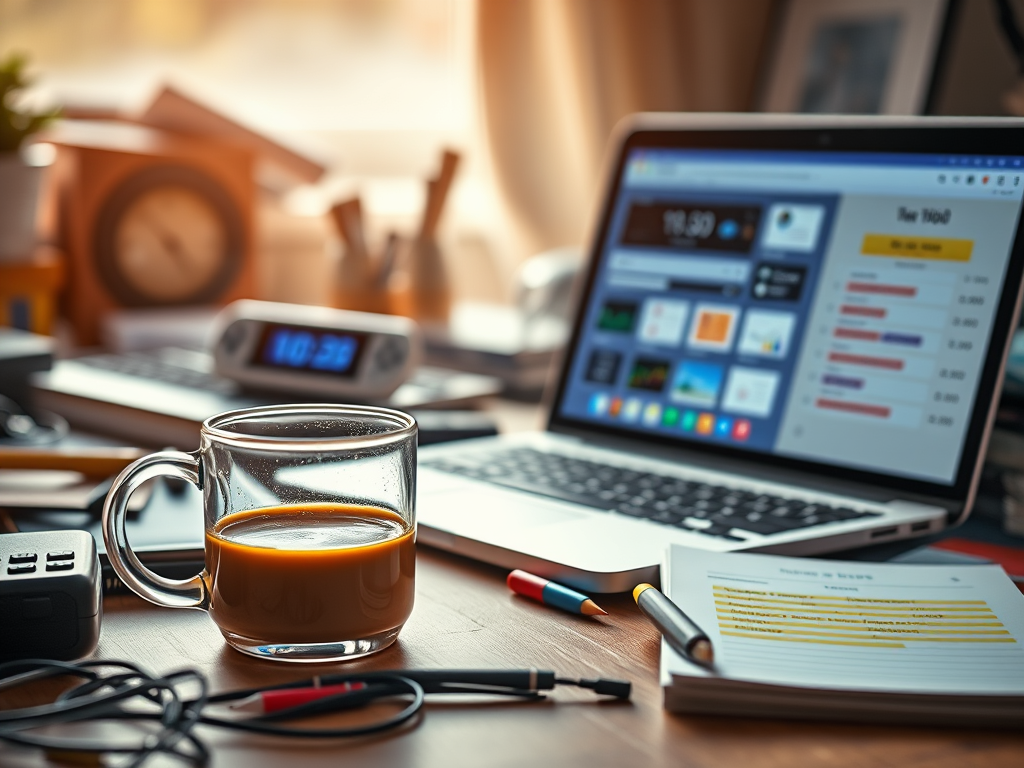
    I was sitting at my desk yesterday morning, staring at a half-empty coffee mug, when it hit me how much I’ve come to rely on these little digital helpers that keep me somewhat functioning. Living with ADHD means my relationship with productivity is… complicated, to say the least. Some mornings I wake up ready to conquer the world, and by noon I’ve forgotten what I was so excited about in the first place.

    What’s funny is that I used to think I just needed to try harder. Like, if I just forced myself to focus more, everything would magically fall into place. God, was I wrong. It wasn’t until I stopped fighting my brain and started working with it that things began to shift.

    These days, I use a mishmash of apps that break everything down into tiny bits I can actually manage. Nothing fancy really—just stuff that gets me. Like my timer app that shows time disappearing visually because, honestly? Numbers mean nothing to my brain sometimes. Or the to-do list that lets me color-code tasks based on how much mental energy they’ll take… because some days I’m only capable of the green ones, you know?

    I remember this one Tuesday when I had this massive project due, and I just couldn’t start. Just… couldn’t. The wall was there, invisible but totally solid. So I set my timer for just 10 minutes. Told myself I’d just open the document, that’s it. Ended up working for two hours straight. Weird how that happens.

    My calendar’s probably saved my job, if I’m being honest. It’s not just about knowing where to be—it’s about having something outside my head that remembers things for me. Because time blindness is real, and sometimes 10 minutes feels like an hour and sometimes a whole afternoon vanishes in what feels like seconds.

    I still have plenty of scattered days. Still lose things. Still get overwhelmed by the chaos that seems to follow me around like a shadow. But there’s a bit more breathing room now. A little less panic.

    Sometimes I wonder who I’d be without these digital crutches. But then again, everyone’s got something they lean on, right? Mine just happen to beep and send me notifications. And on the days when everything feels too much and too fast, having something steady to grab onto makes all the difference. </content> <plaintext> You know those days when your brain feels like it’s swimming through fog? Yeah, me too. A lot actually.

    I was sitting at my desk yesterday morning, staring at a half-empty coffee mug, when it hit me how much I’ve come to rely on these little digital helpers that keep me somewhat functioning. Living with ADHD means my relationship with productivity is… complicated, to say the least. Some mornings I wake up ready to conquer the world, and by noon I’ve forgotten what I was so excited about in the first place.

    What’s funny is that I used to think I just needed to try harder. Like, if I just forced myself to focus more, everything would magically fall into place. God, was I wrong. It wasn’t until I stopped fighting my brain and started working with it that things began to shift.

    These days, I use a mishmash of apps that break everything down into tiny bits I can actually manage. Nothing fancy really—just stuff that gets me. Like my timer app that shows time disappearing visually because, honestly? Numbers mean nothing to my brain sometimes. Or the to-do list that lets me color-code tasks based on how much mental energy they’ll take… because some days I’m only capable of the green ones, you know?

    I remember this one Tuesday when I had this massive project due, and I just couldn’t start. Just… couldn’t. The wall was there, invisible but totally solid. So I set my timer for just 10 minutes. Told myself I’d just open the document, that’s it. Ended up working for two hours straight. Weird how that happens.

    My calendar’s probably saved my job, if I’m being honest. It’s not just about knowing where to be—it’s about having something outside my head that remembers things for me. Because time blindness is real, and sometimes 10 minutes feels like an hour and sometimes a whole afternoon vanishes in what feels like seconds.

    I still have plenty of scattered days. Still lose things. Still get overwhelmed by the chaos that seems to follow me around like a shadow. But there’s a bit more breathing room now. A little less panic.

    Sometimes I wonder who I’d be without these digital crutches. But then again, everyone’s got something they lean on, right? Mine just happen to beep and send me notifications. And on the days when everything feels too much and too fast, having something steady to grab onto makes all the difference.